Keep Filament Dry and Dry It

Everything you need for dry filament and reliable 3D prints

Moist filament is a common cause of printing problems such as stringing, crackling, bubbles, poor layer adhesion and clogged nozzles. Nylon, PVA, TPU and PETG absorb moisture quickly, while PLA does so more slowly. A filament dryer, silica gel and airtight storage help you keep your filament in better condition. Read more…

1–4 of 4 products

With the right accessories, you can dry moist filament and protect opened spools from absorbing moisture again. Find the most suitable solution for your workflow below.

What do you need?

SituationProduct
Drying moist filament againFilament dryer
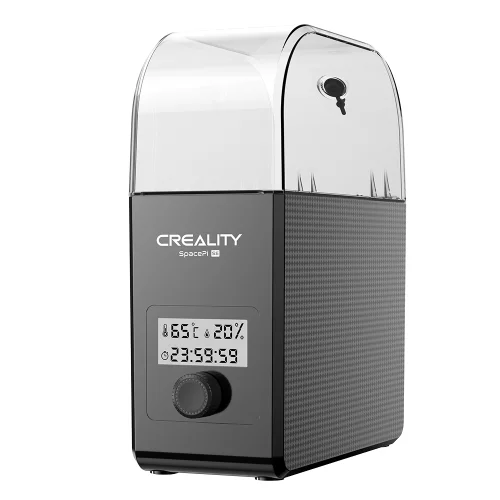
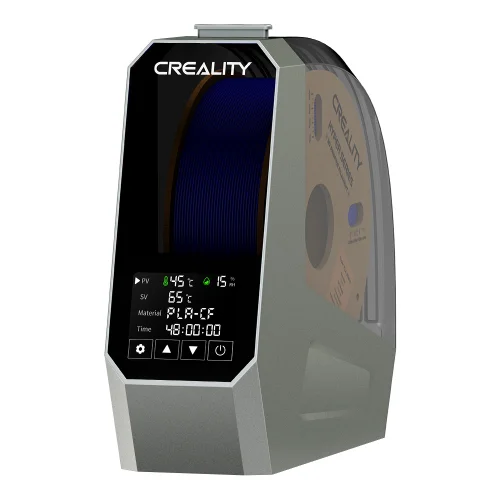
Drying while printingSpace Pi or SpacePi SE with a feed-through to the printer
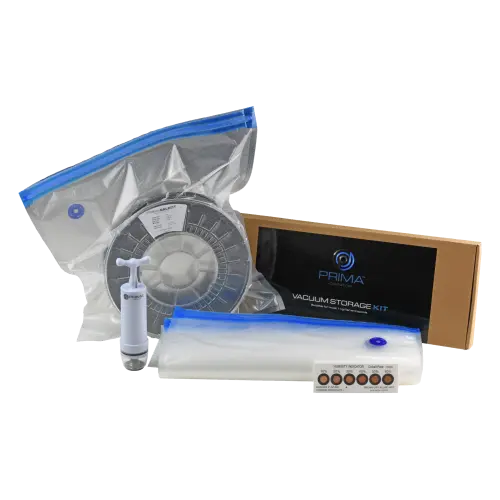
Keeping unused spools airtightAir Tight Filament Storage Set
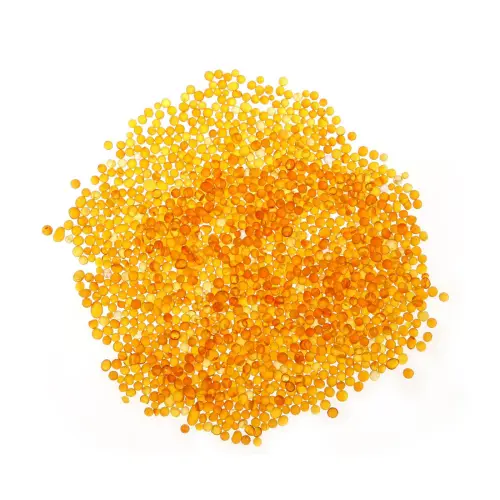
Absorbing moisture in a storage box or bagSilica gel beads

Drying or storing?

A dryer removes moisture from the filament. Airtight storage with silica gel keeps moisture out afterwards. The best approach is to use both: dry the filament first, then store it in a protected environment.

Suggested drying guidelines

The values below are guidelines only. Always follow the drying instructions provided by the filament manufacturer.

MaterialTemperatureTime
PLA45–50 °C4–6 hours
PETG60–65 °C4–6 hours
TPU50–55 °C4–6 hours
ABS/ASA65–70 °C4–6 hours
Nylon70 °C8–12 hours

The SpacePi SE reaches up to 65 °C. For nylon at 70 °C, you need the Space Pi.

Discover more solutions in the maintenance category and browse all 3D printer accessories.

Frequently asked questions

  • How can I tell whether my filament is damp?

    If you hear crackling during printing, see bubbles, excessive stringing or a rough surface, the filament has probably absorbed moisture. Brittle filament that breaks easily can also be a sign of moisture.

  • Which filament dryer is right for me?

    For PLA, PETG and TPU, the SpacePi SE is more than sufficient: it dries at up to 65 °C. If you also print nylon or want more adjustment options, choose the Space Pi: it reaches up to 70 °C, has a timer of up to 48 hours and presets for each filament type.

  • Can I print from the dryer while printing?

    Yes. Both Creality dryers have a feed-through that guides the filament directly to your printer, keeping it dry even during a long print.

  • Is silica gel enough to keep filament dry?

    Silica gel keeps filament that is already dry dry, as long as it is stored in an airtight bag or box. It will not dry damp filament quickly; for that, use a filament dryer. The best approach is to combine both: dry the filament first, then store it airtight with silica gel.

  • How do I dry silica gel again?

    Spread the saturated granules over a flat tray and place them in a ventilated oven at a maximum of 80 °C. After about 3 hours, or as soon as they have turned orange again, you can use them again.