 Nederland
 België
 France
 Deutschland
What is PC/ABS?
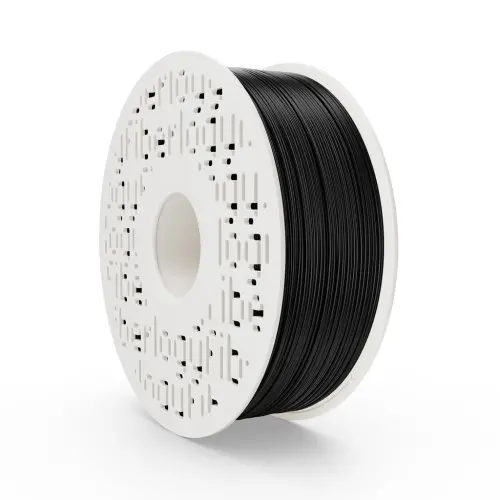
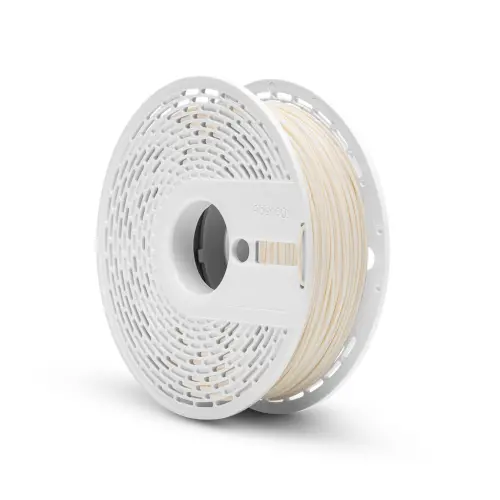
PC/ABS is a blend of polycarbonate (PC) and ABS. Polycarbonate is known for its high impact strength and heat resistance, ABS for its strength and good processability. Together they make a material widely used in industry for electronics housings and car interior parts. Fiberlogy PC/ABS has good layer adhesion and is easy to print if you have experience with ABS.
PC/ABS or regular ABS?
| ABS | PC/ABS | |
|---|---|---|
| Nozzle | 250–265 °C | 230–250 °C |
| Print bed | 90–110 °C | 80–100 °C |
| Toughness and impact resistance | Good | Higher |
| Colours | Many solid colours, also transparent | Black and natural |
Choose PC/ABS for parts that have to withstand drops, knocks or vibration. For most other technical prints, ABS is enough. If the part will be outdoors, choose ASA. You will find all types under ABS & ASA filament.
Printing PC/ABS: the right settings
- Nozzle: 230–250 °C.
- Print bed: 80–100 °C, with a thin layer of adhesive.
- Cooling: little or off.
- Enclosure: recommended. Like ABS, PC/ABS shrinks as it cools; a closed printer or enclosure prevents warping.
- Ventilation: PC/ABS gives off fumes while printing. Print in a well-ventilated room.
Something going wrong? Read solving 3D printing problems.
Properties of PC/ABS: the pros and cons
Pros
- Tougher and more impact-resistant than ABS: less likely to break when dropped or knocked
- Keeps its strength and shape at higher temperatures
- Good bonding between layers
- Easy to drill, saw and sand
Cons
- Prone to warping, a closed printer is recommended
- Gives off fumes, so ventilation is needed
- Not UV resistant
Uses of PC/ABS
- Enclosures: for electronics, devices and gadgets.
- Car: interior parts and mounts that have to withstand vibration and heat.
- Machines and tools: brackets, tool holders and handles.
- Prototypes: functional prototypes that you actually put under load.