Nederland
 België
 France
 Deutschland
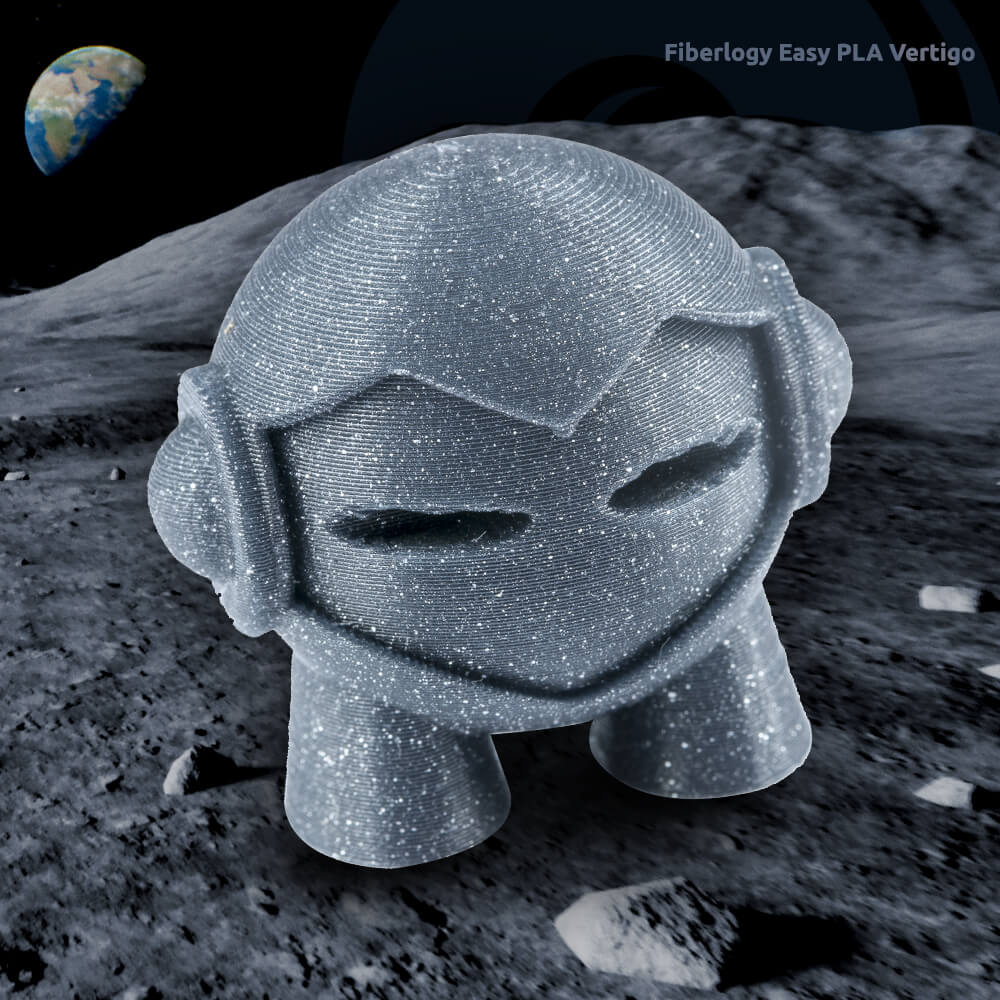
In short: you usually print PLA between 200 and 230 °C on a bed of 50 to 70 °C. It softens from around 55 to 60 °C, so it is not suitable for hot places. You can sand, paint and glue PLA just fine; super glue works best. Store it dry and it keeps printing nicely.
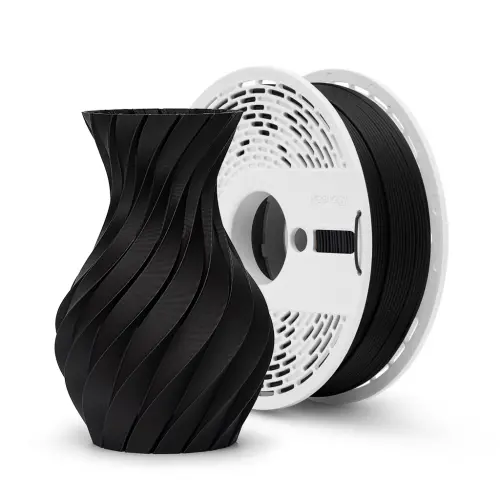
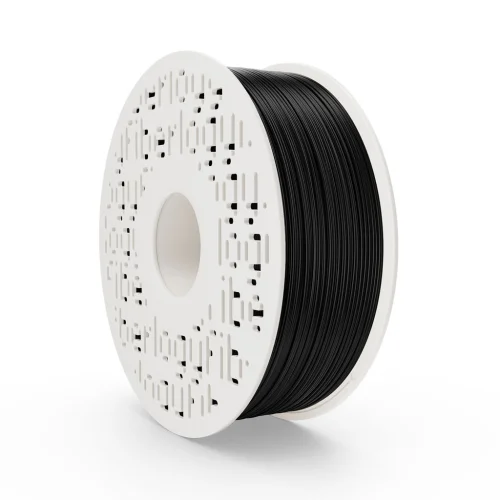
Ask people who 3D print about their favourite filament and you will very often hear the same answer: PLA. No surprise, because it is easy to print, forgiving and available in endless colours and finishes. In this blog I put everything you want to know about PLA in one place, with practical tips for better prints.
What is PLA filament?
PLA stands for PolyLactic Acid. It is made from plant-based raw materials such as corn starch or sugar cane. PLA is biodegradable, but only under the conditions of an industrial composting facility. A print you leave in the garden will not have disappeared after one summer.
Printing PLA does not release any nasty smells, so you can print perfectly well in the room where you are sitting. A heated bed is not required, but it is recommended.
What is the melting point of PLA?
With PLA, three temperatures really matter:
- Softening (glass transition): around 55 to 60 °C. Above that, a print loses its shape.
- Melting: around 150 to 180 °C.
- Printing: usually between 190 and 230 °C, depending on the brand and your printer.
That softening is the best-known pitfall. In a car parked in the summer sun, it easily reaches 60 °C or more. So a phone holder for the dashboard is better printed in PETG or ASA. Want to know which material suits which job? Also read which filament to choose?
Tip 1: use the right print and bed temperature
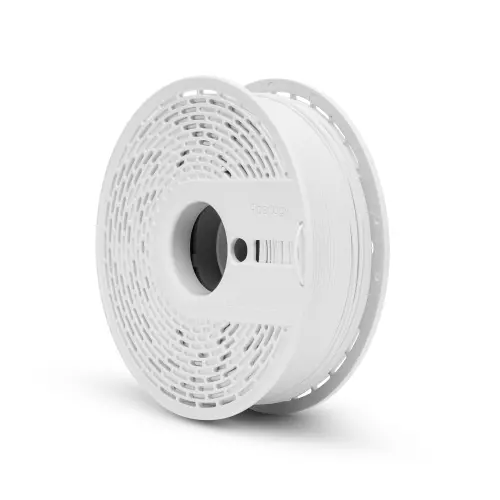
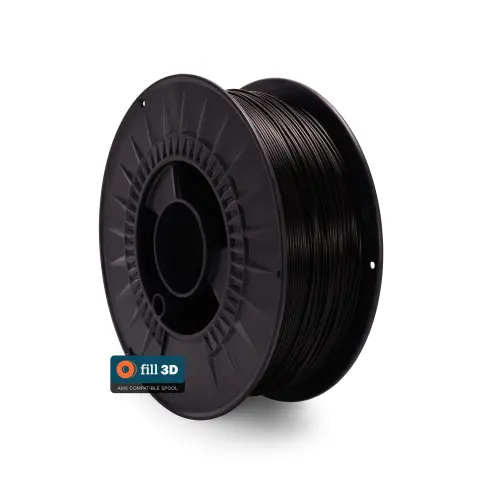
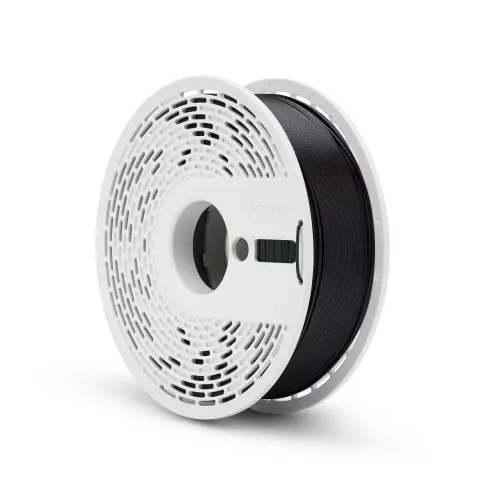
Check the product description for the temperature the manufacturer recommends. For Fiberlogy Easy PLA that is 200 to 230 °C with a bed of 50 to 70 °C. For Fill 3D PLA it is 195 to 215 °C with a bed up to 60 °C.
Start at the low end of that range and raise it in steps of 5 degrees if the layers do not bond well or the surface turns dull and rough. Too hot? Then you will see more strings (stringing) and messier overhangs. Every printer is a little different, so printing a temperature tower is a smart first step with a new spool.
Tip 2: get a good first layer
A print that comes loose or curls almost always starts with the first layer. Three things help most:
- A clean bed: fingerprints are sneaky little rascals. Clean the bed now and then with isopropanol.
- The right distance: make sure your bed is properly levelled (bed levelling), so the first layer is pressed down just slightly.
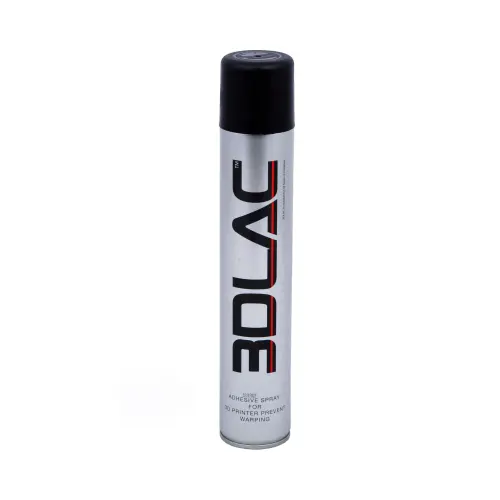
- An adhesive when needed: for example 3DLAC adhesive spray or a Magigoo glue stick. You will find more options under adhesion.
Tip 3: set retraction properly against stringing
Do you see thin strings between parts of your print? Then filament is oozing out of the nozzle during travel moves. With the retraction setting in your slicer, you pull the filament back a little before the print head moves. Also check that your temperature is not too high, and that your filament is dry (see tip 4). In my blog on solving 3D printing problems you can read more about stringing and other well-known problems.
Tip 4: keep PLA dry
PLA absorbs less moisture than PETG or nylon, for example, but it is not completely insensitive. Damp PLA causes more stringing, small bubbles and a rougher surface, and the filament becomes more brittle.
- Store an opened spool in a sealable bag or box, for example filament storage bags.
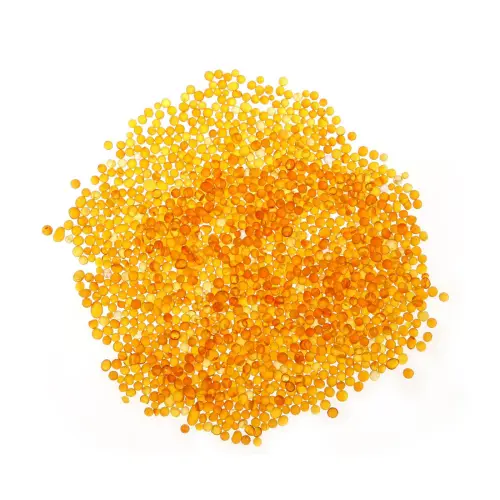
- Add some moisture absorbers, such as silica gel beads.
- Has a spool become damp anyway? Then you can dry it in a filament dryer, for PLA usually a few hours at around 45 to 50 °C. Take a look at filament storage and drying.
Tip 5: choose the right diameter
Most printers use 1.75 mm filament, such as printers from Bambu Lab, Prusa and Creality. Some printers, including many Ultimaker models, use 2.85 mm. So check carefully what your printer needs before you order. Our range is largest in 1.75 mm. Printing with a Bambu Lab AMS? Then also read this blog about spools in the AMS.
Tip 6: pay attention to the quality of your filament
Online you sometimes find spools of PLA for very little money. Okay, let's be honest: you can print with those. But a filament whose thickness varies a lot causes uneven layers, clogs and failed prints. Fiberlogy keeps a diameter tolerance of 0.02 mm, and Fill 3D 0.05 mm. You notice that in an even flow and clean walls.
Can you paint PLA?
Yes, PLA takes paint well. This is how to go about it:
- Sanding: start coarse (for example grit 120) and work towards fine (grit 400 or higher). Do not sand too fast with a machine, because the heat makes PLA soft.
- Removing dust: wipe off the sanding dust with a slightly damp cloth and let it dry.
- Primer: a coat of (filler) primer hides small layer lines and helps the paint adhere well.
- Painting: acrylic paint works fine, with a brush or from a spray can. Several thin coats give a nicer result than one thick one.
Want to sand less? A matte filament such as PLA Matte already shows the layers less by itself.
Which glue do you use for PLA?
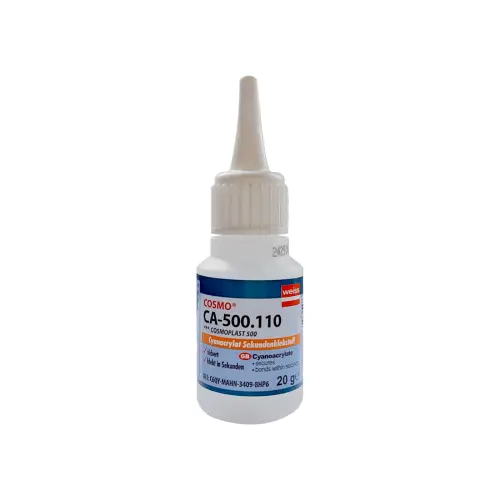
For most jobs, super glue (cyanoacrylate) works best, such as the COSMO CA-500.110 super glue. Make the surfaces clean and grease-free and lightly sand smooth parts, then it bonds better. For large surfaces or parts that really need to take force, a two-component glue (epoxy) is a good choice.
Good to know: PLA does not dissolve in acetone. The trick you may know from ABS, melting parts together with acetone, therefore does not work with PLA.
Which PLA suits your print?
PLA comes in many flavours:
- Standard PLA for most prints, from toys to prototypes.
- PLA Matte for a clean, matte surface without shine. Read more in my blog about Matte PLA.
- PLA Silk & Satin for a glossy, silky look.
- PLA Impact when your print needs to take a knock. See also this blog about Impact PLA.
- Wood filament for prints with a real wood look.
When do you not choose PLA?
- With heat: above 55 to 60 °C PLA softens. Then choose PETG or ASA. I wrote this blog about the difference between PETG and PCTG.
- Long-term outdoors: sun and moisture are not good for PLA over time. ASA holds up much better.
- For things you often use with food: printed layers have small seams where dirt stays behind, and PLA cannot go in the dishwasher because it softens there.
- Under very heavy loads: for parts that have to take a lot of force, you are better off looking at technical filament, such as nylon.
I hope these tips help! Do you have a question about printing with PLA, or are you unsure which spool best suits your project? Feel free to get in touch. Happy printing! :)